What's New

Keep up with the latest releases, improvements, and platform updates.

Smarter Campaign Optimization Agents

Optimization

Our campaign optimization agents just got a major upgrade. Lofi now actively monitors your creatives for signs of fatigue -- when engagement starts to dip because your audience has seen the same ad too many times, you'll receive an alert with actionable recommendations to refresh or rotate your assets before performance degrades. On top of that, our cross-platform budget re-allocation model has been made significantly more sensitive. The updated model detects optimization opportunities earlier, surfacing moments where shifting spend between platforms -- for example, from Meta to Google or TikTok -- can improve overall ROAS. Combined, these enhancements mean your campaigns stay fresher, your budgets work harder, and you spend less time manually watching dashboards.

AI Image Editing & Variant Generation

Creative AI

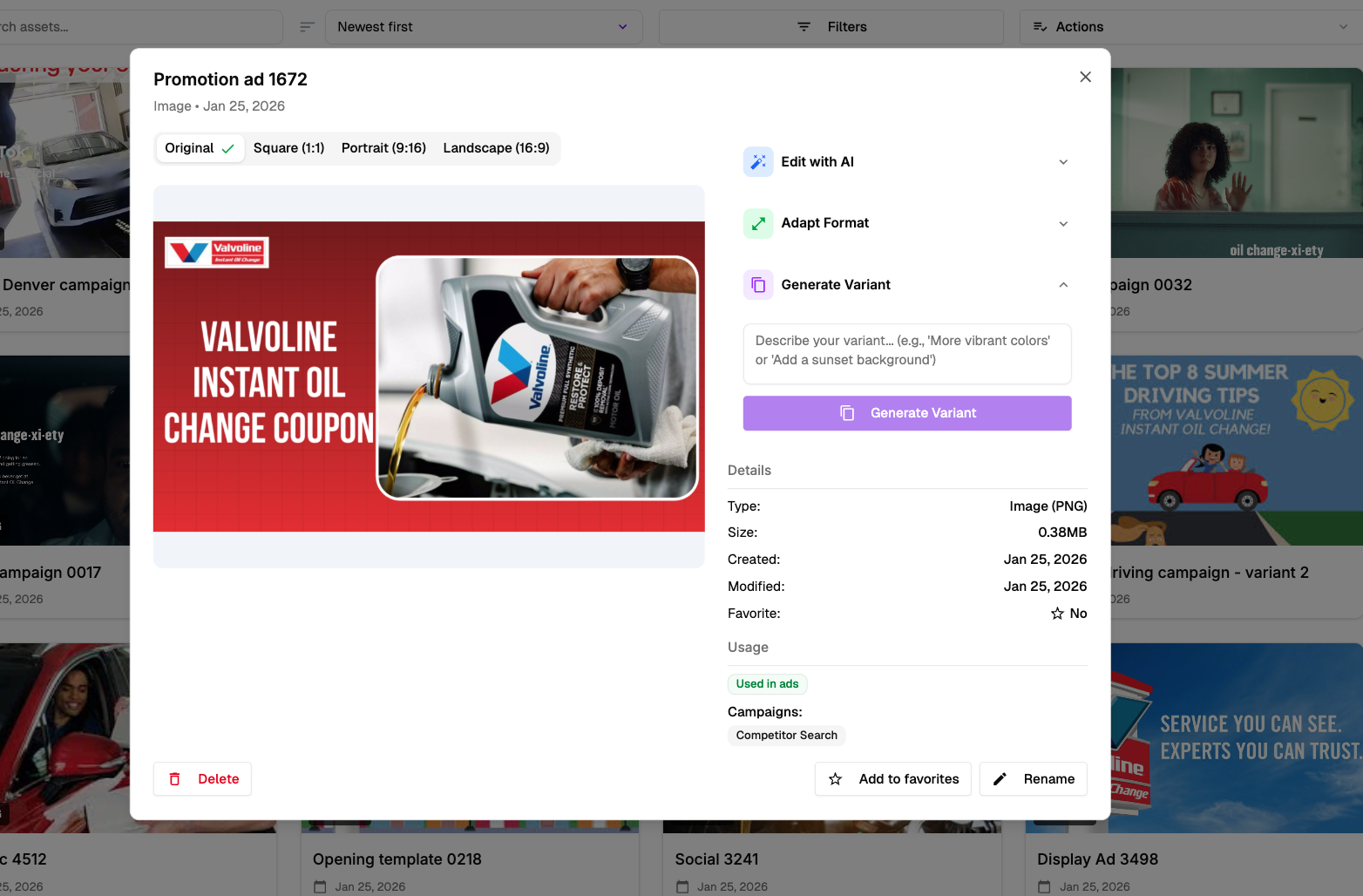
Whatever tweaks to your creatives you dreamt of, you can now do them yourself with ease. The new Edit with AI panel lets you refine any image directly inside Lofi -- adjust colors, swap backgrounds, retouch elements, and restyle visuals using simple text prompts. Need the same ad in different sizes? Adapt Format generates pixel-perfect versions in Square (1:1), Portrait (9:16), and Landscape (16:9) with a single click. And with Generate Variant, you can instantly create alternative versions of any creative that are automatically optimized for A/B testing performance. Describe what you want -- 'More vibrant colors' or 'Add a sunset background' -- and Lofi produces on-brand variants ready to test. Combined with full asset management, usage tracking, and campaign assignment, your entire creative workflow now lives in one place.

Creative asset modal showing Edit with AI, Adapt Format, and Generate Variant panels

Image & Video Generation

Creative AI

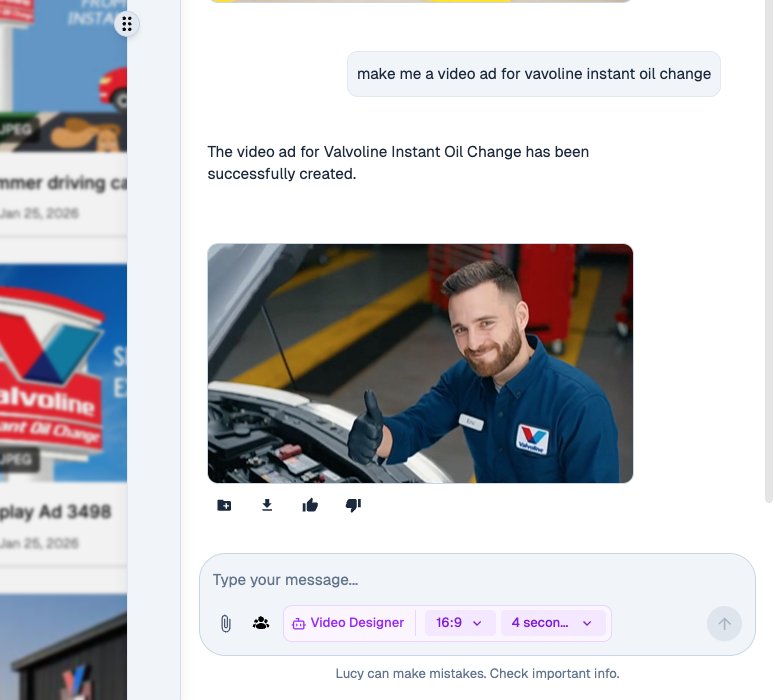
You can now generate brand-aligned images and videos directly from Lofi. The Image Designer and Video Designer agents -- accessible through Lucy -- don't just understand your brand; they also know what works on each advertising platform and what creatives have performed best for you historically. Simply describe the ad you need, choose your aspect ratio and duration, and Lofi produces ready-to-use visuals that are consistent with your brand guidelines, optimized for the target platform, and informed by your past campaign performance. From static display ads to short-form social video, generating high-quality creatives is now as simple as typing a prompt.

Lucy Video Designer generating a Valvoline video ad with aspect ratio and duration controls

New Look and Feel

Platform

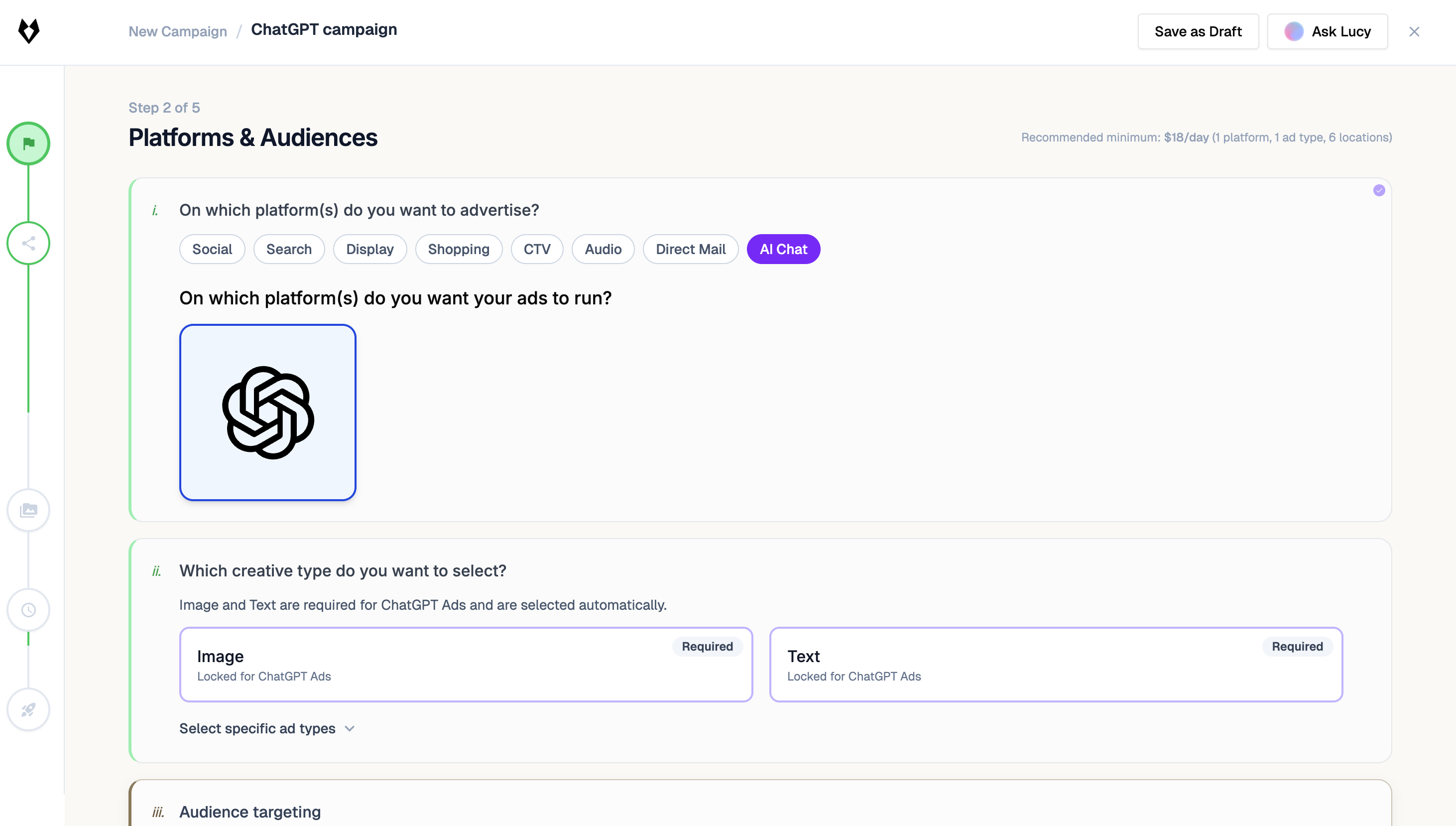
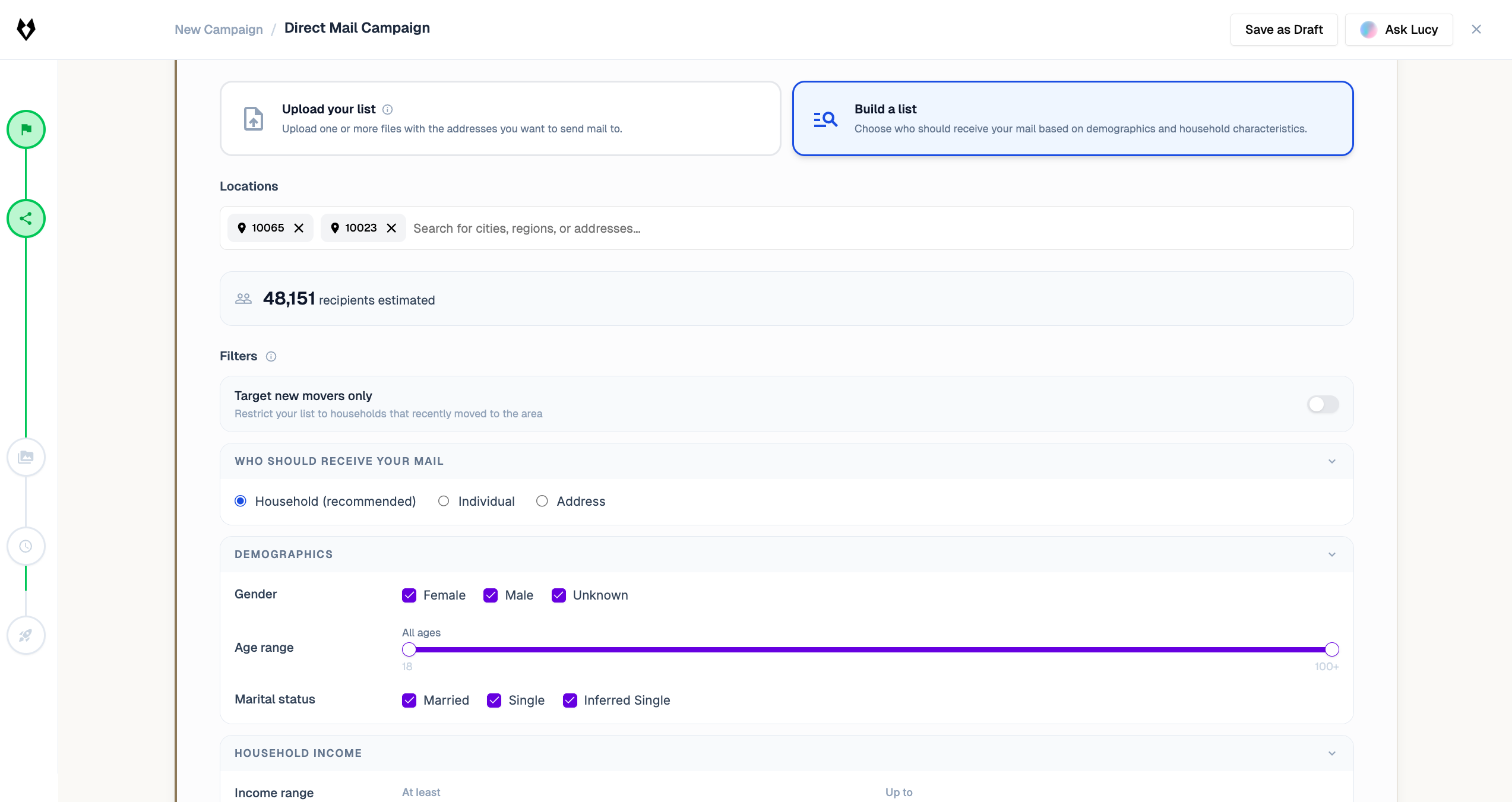
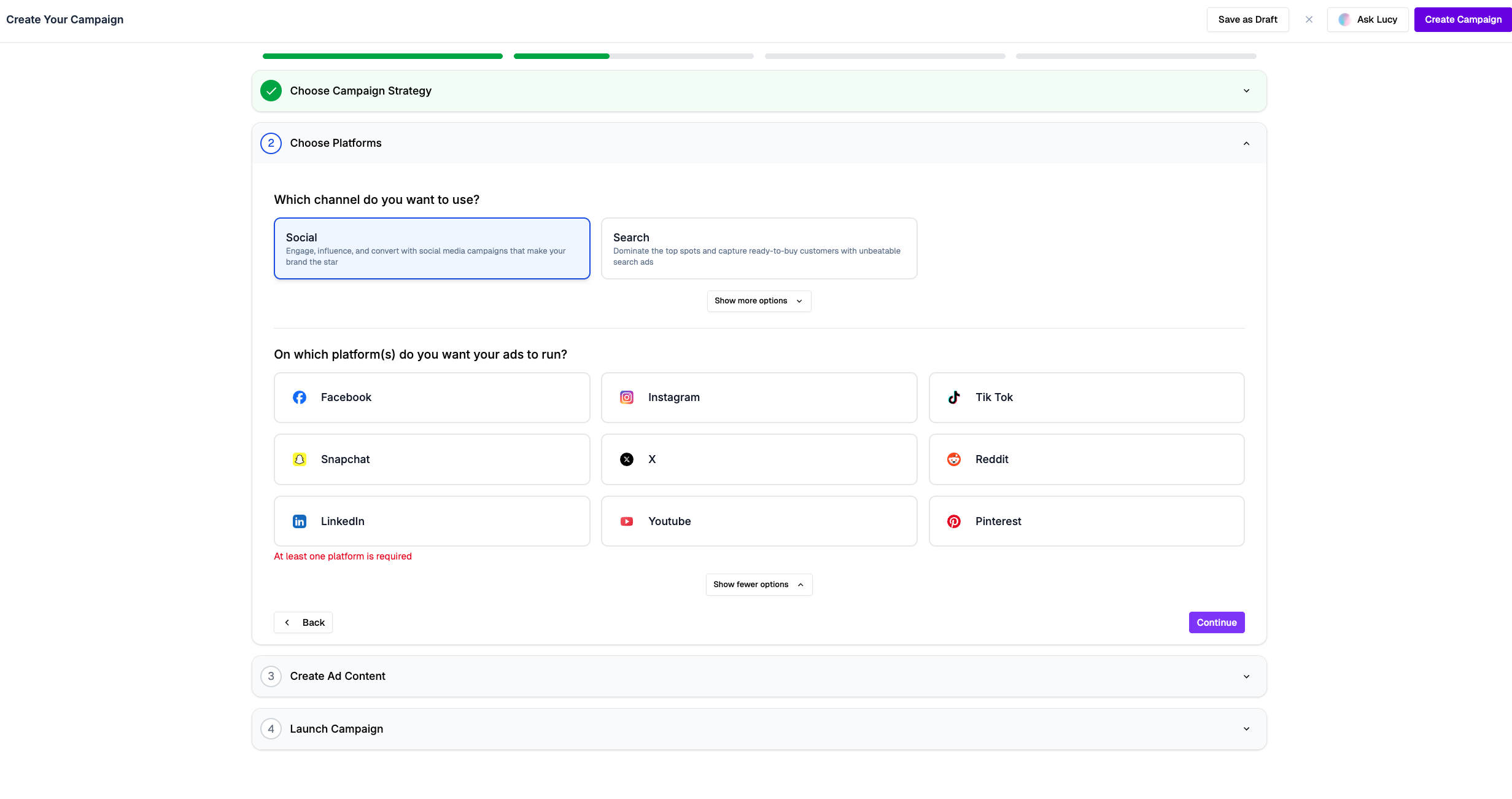
We completely redesigned the Lofi platform from the ground up. The updated interface makes it faster and easier to create campaigns, choose platforms, manage creatives, and launch ads -- all in fewer clicks. The new campaign wizard guides you step-by-step through strategy selection, platform targeting across Facebook, Instagram, TikTok, Snapchat, X, Reddit, LinkedIn, YouTube, and Pinterest, ad content creation, and launch. We also introduced channel-specific KPIs so you can now track performance metrics tailored to Search and Social separately, giving you deeper and more actionable insights into how each channel contributes to your growth.

New Lofi campaign creation wizard with platform selection grid

Lucy Beta Launch

AI

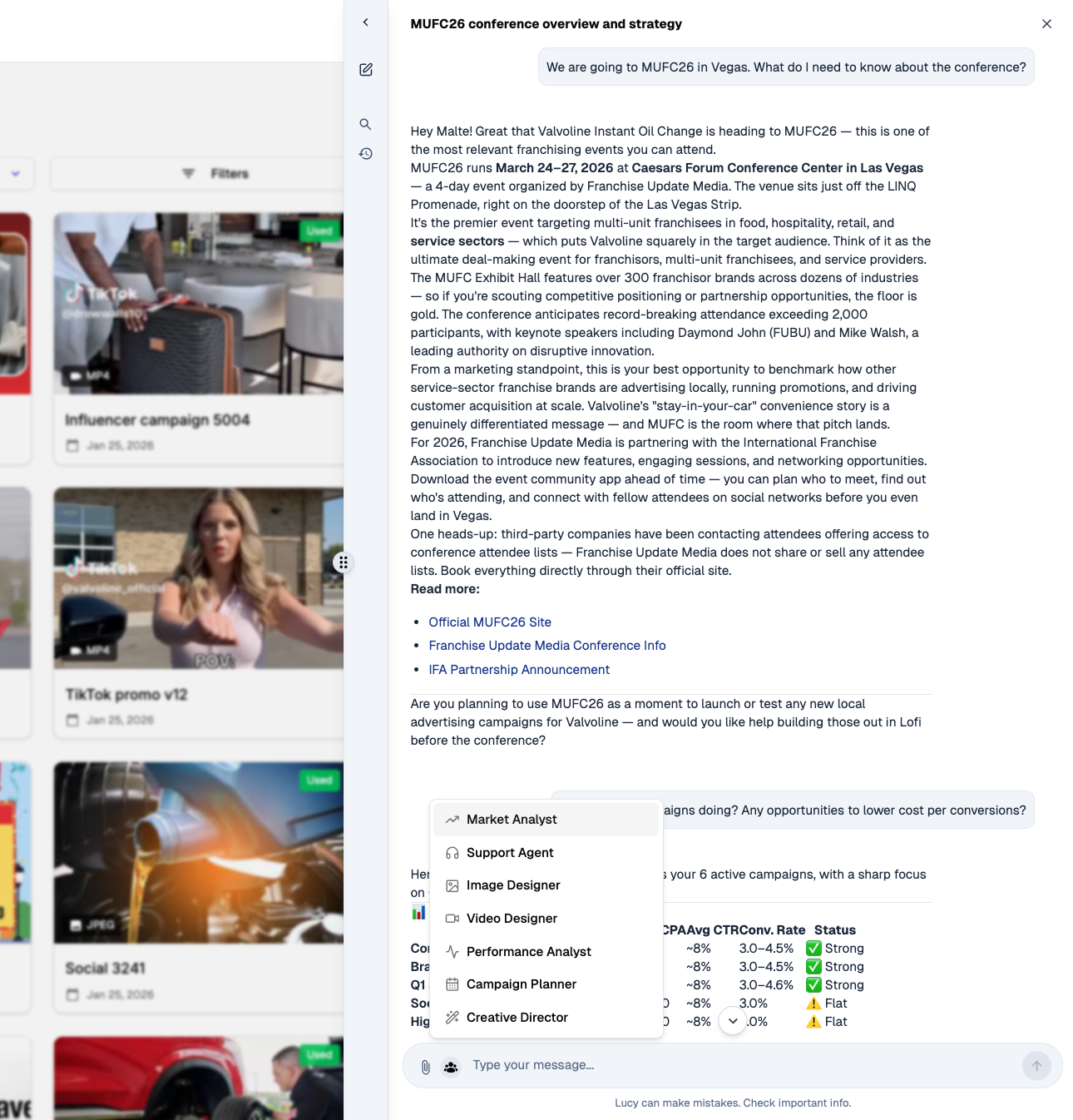
Meet Lucy, your in-app AI assistant. Lucy is now live in beta and available directly inside the Lofi platform to support your entire campaign workflow. Ask Lucy anything -- from conference prep and competitive analysis to campaign performance reviews and creative suggestions. Lucy comes with specialized personas including Market Analyst, Support Agent, Image Designer, Video Designer, Performance Analyst, Campaign Planner, and Creative Director, each tuned to give you expert-level guidance in their domain. Whether you need to understand why a campaign is underperforming, brainstorm new ad concepts, or plan your next quarter's strategy, Lucy is ready to help -- right where you work.

Lucy AI assistant chat interface with multiple specialized persona options

Adobe Express Integration

Integrations

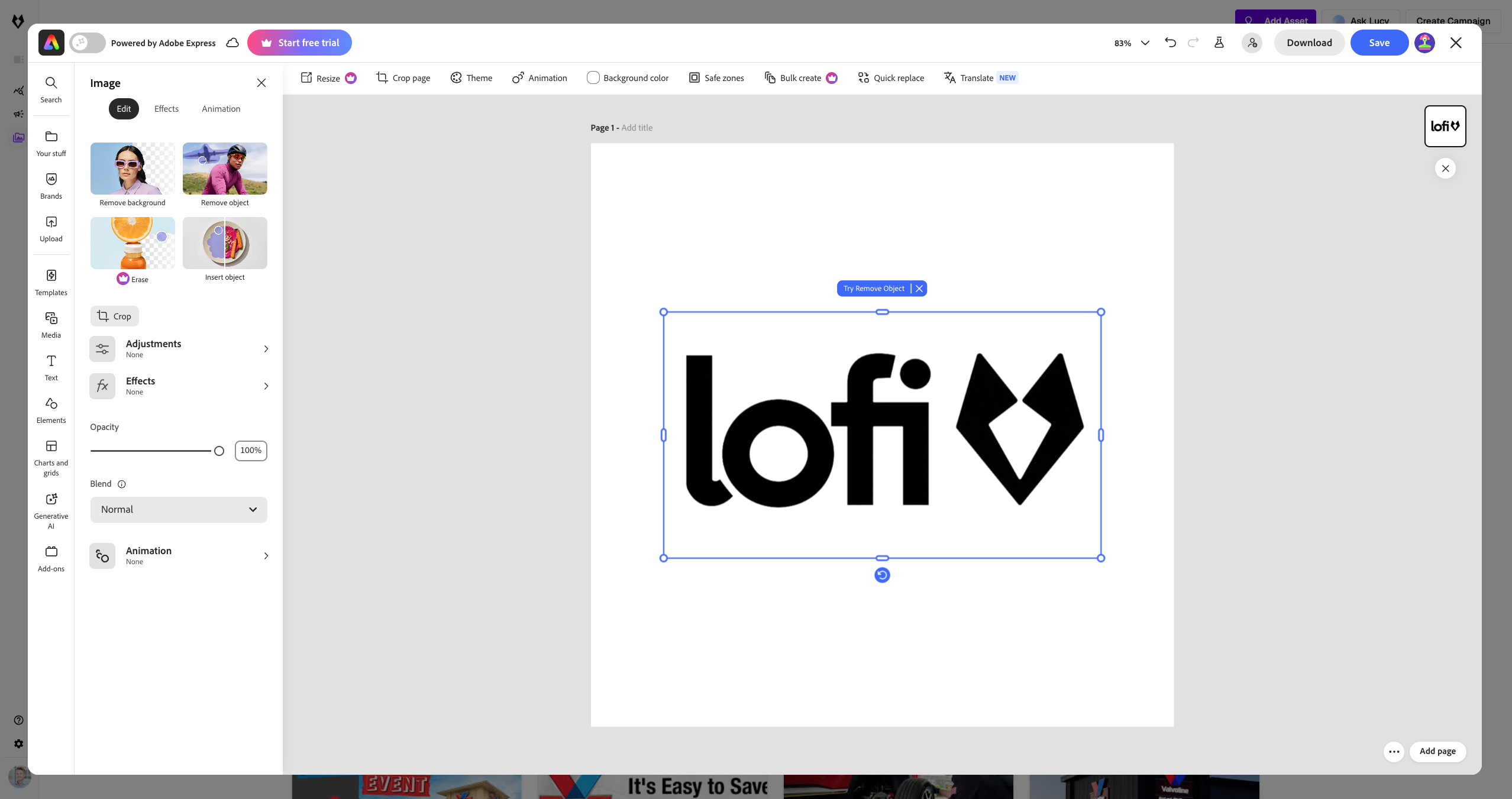
Bring Adobe's creative power directly into your campaign workflow. With the new Adobe Express integration, you can design, edit, and export ad creatives without ever leaving Lofi. Remove backgrounds, resize assets for different platforms, apply brand-consistent effects, and generate multiple creative variations -- all from within the campaign builder. This integration eliminates the back-and-forth between design tools and your advertising platform, letting your team produce high-quality visuals in a fraction of the time. Adobe Express is available to all Lofi users at no additional cost.

Adobe Express editor integrated within Lofi showing logo design and creative tools

Improved Variant Creation

Optimization

Our AI just got sharper at generating high-performing ad variants. We rebuilt the variant generation engine with smarter models that better understand what drives clicks, conversions, and engagement across different platforms and industries. The system now analyzes your top-performing creatives and generates more relevant variations -- adjusting copy, imagery, calls-to-action, and formatting to maximize performance. Early results show a measurable improvement in click-through rates for AI-generated variants compared to the previous model. Every dollar you spend now works harder.

Centralized Brand Profiles

Brand Management

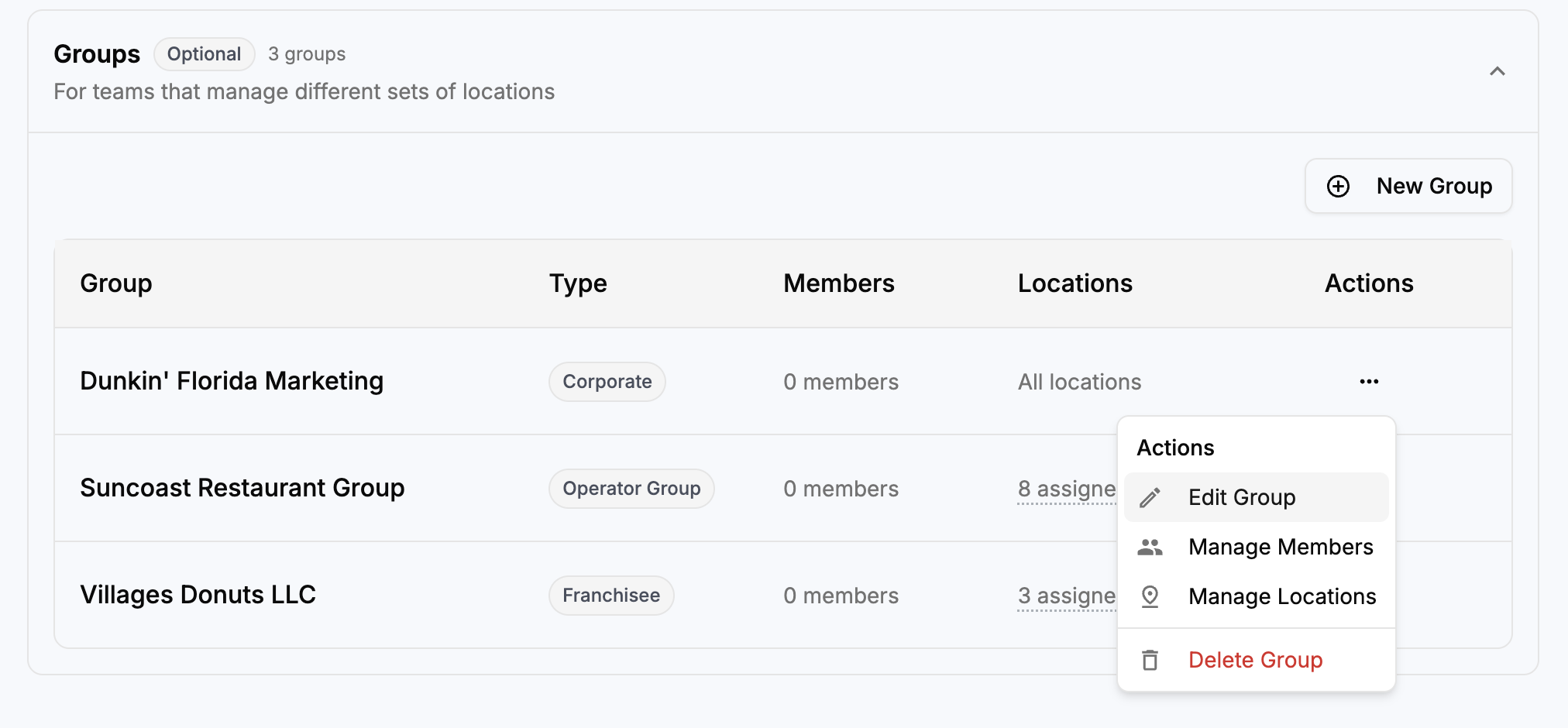
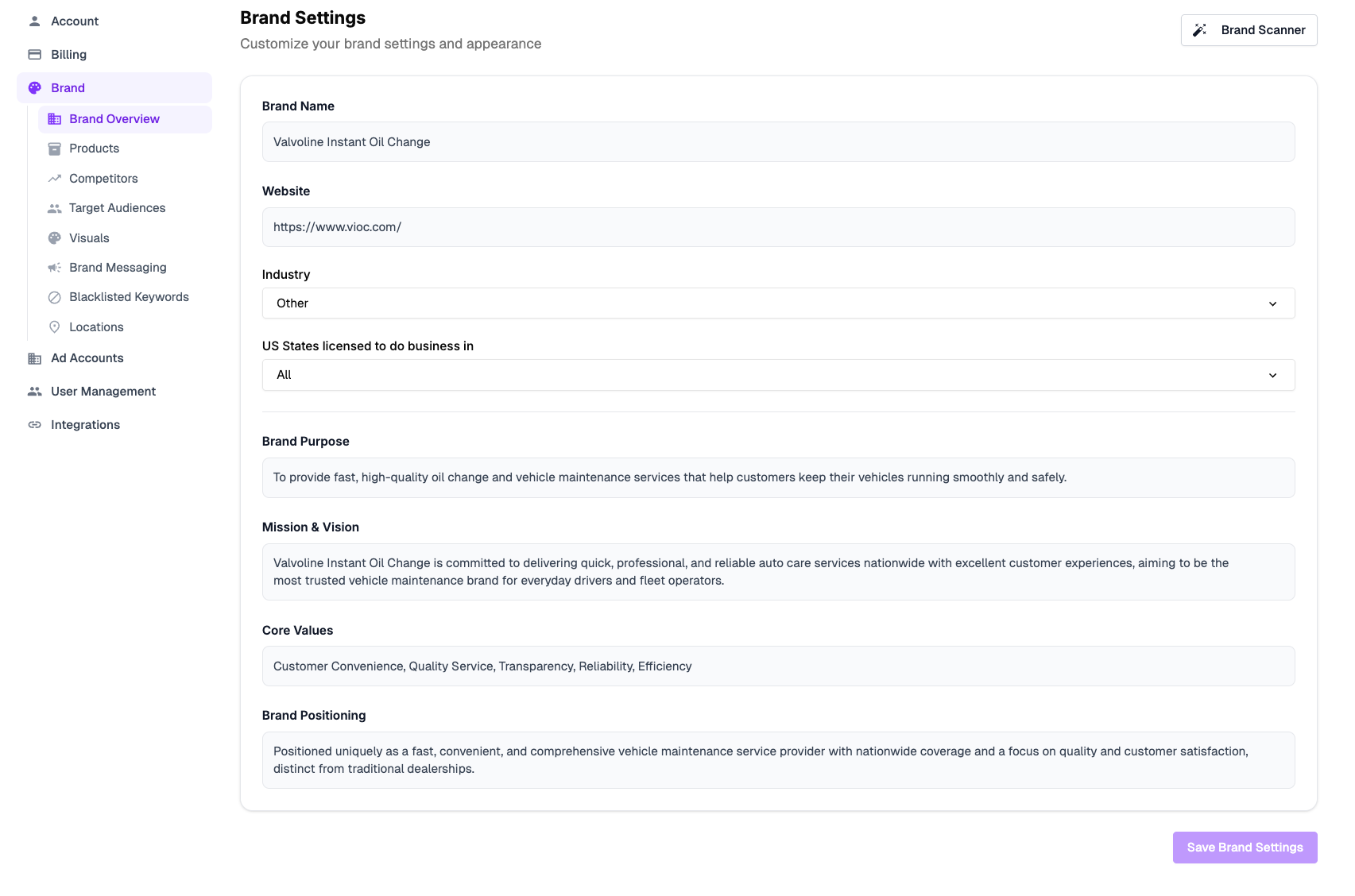
Manage your entire brand identity in one place and enforce it across every campaign and location. The new Brand Settings hub lets you define your brand name, website, industry, target audiences, visual assets, messaging guidelines, competitors, and blacklisted keywords -- all in a single, centralized profile. The Brand Scanner automatically audits your existing campaigns for brand consistency. For multi-location businesses and franchises, centralized brand profiles ensure that every franchisee or local team stays on-brand while still having the flexibility to customize for their market.

Brand Settings page with fields for brand name, purpose, mission, values, and positioning

Advanced User Management

Team Management

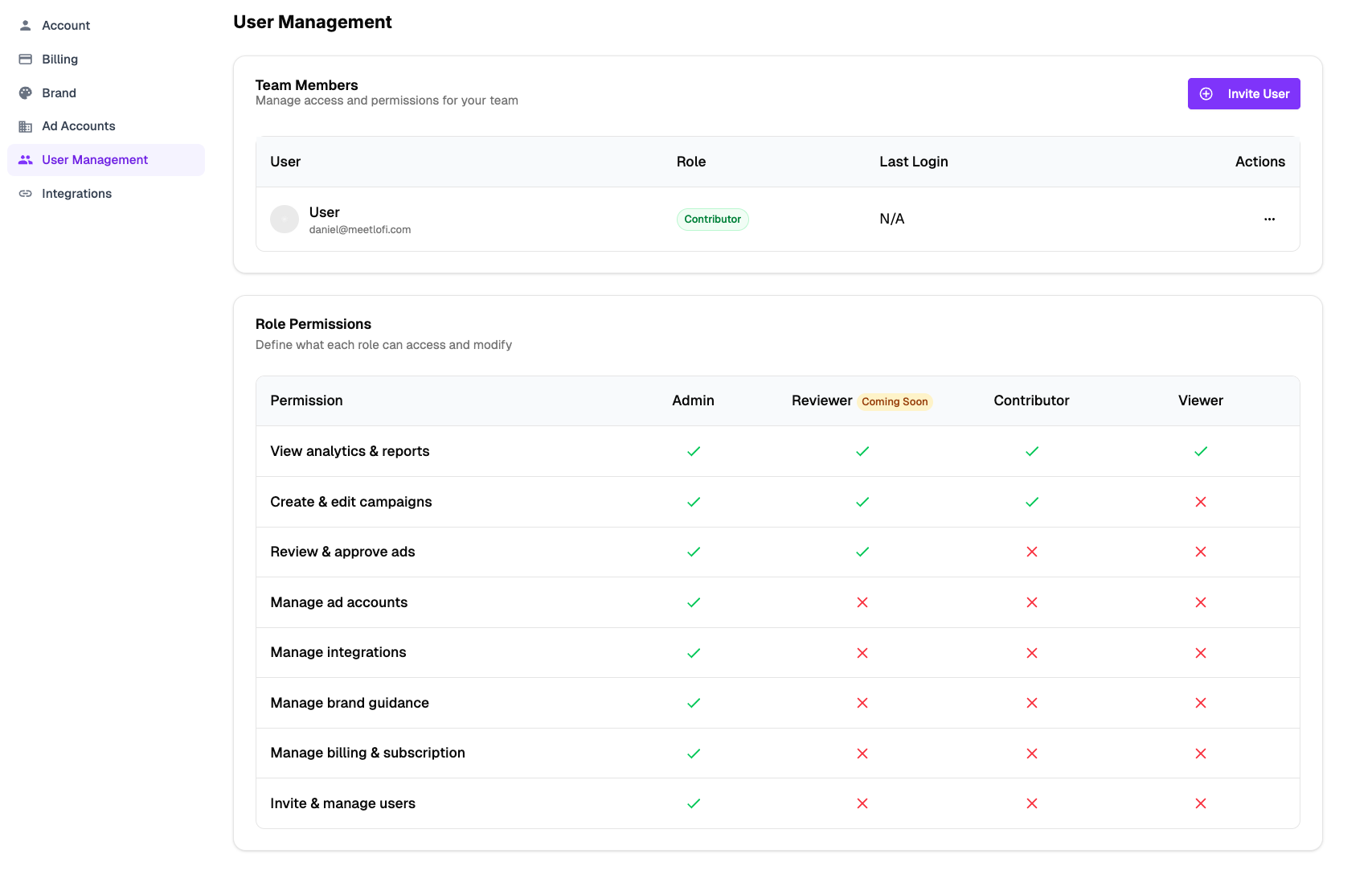
Define exactly who can view, edit, or publish your campaigns with granular role-based access controls. The new User Management panel lets you invite team members, assign roles (Admin, Reviewer, Contributor, or Viewer), and control permissions at a fine-grained level -- from viewing analytics and creating campaigns to managing ad accounts, integrations, brand guidance, billing, and user invitations. This is especially powerful for agencies managing multiple clients and franchises with distributed teams, ensuring the right people have the right access without compromising security.

User Management panel showing team members table and role permissions matrix

Timeline Campaign View

Planner

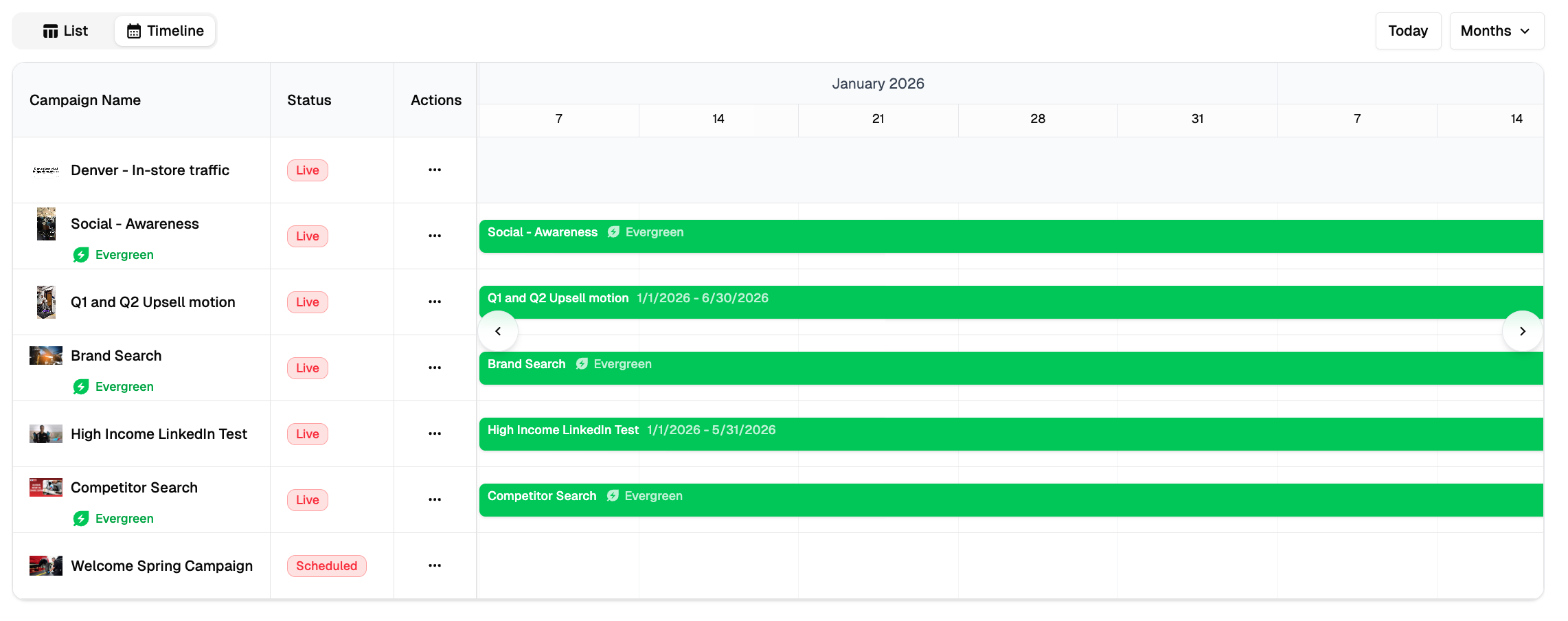
Plan campaigns across time with a visual timeline. The new Timeline view gives you a Gantt-chart-style overview of every campaign your team is running, complete with status indicators, date ranges, and the ability to switch between List and Timeline modes. See at a glance which campaigns are live, scheduled, or completed -- and identify gaps or overlaps in your advertising calendar. For teams running dozens of campaigns simultaneously across multiple locations or brands, this view is a game-changer for coordination and planning.

Campaign timeline view showing Gantt-chart bars for multiple live campaigns

Two-Factor Authentication (2FA)

Security

Your data is now even safer. Two-factor authentication adds a second layer of protection to your Lofi workspace, requiring a verification code in addition to your password every time you log in. 2FA is available for all team members and can be enforced at the organization level by admins. This update is part of our ongoing commitment to enterprise-grade security, especially for businesses handling sensitive advertising data and budgets across multiple accounts.

New Analytics Dashboard

Insights

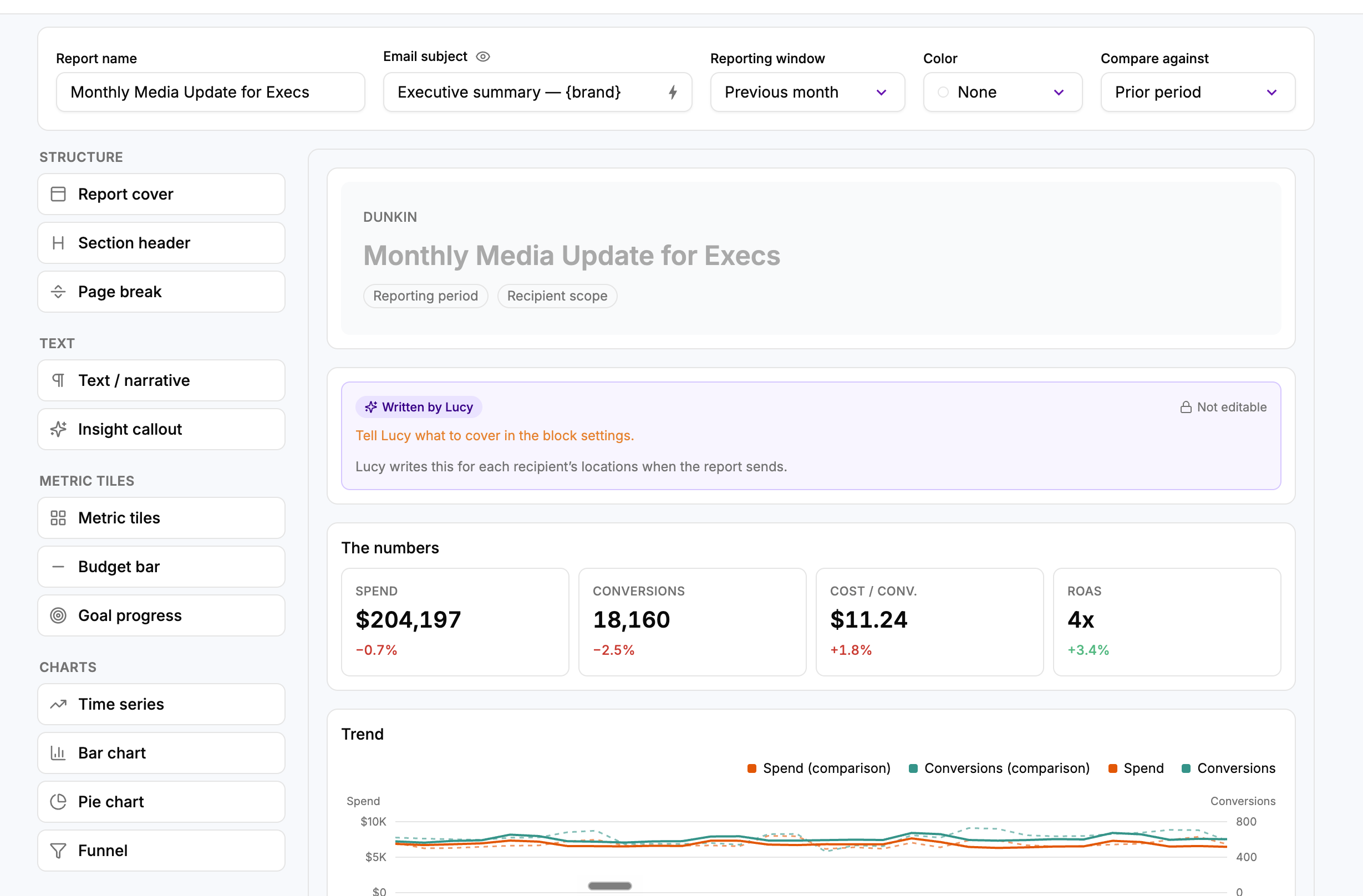
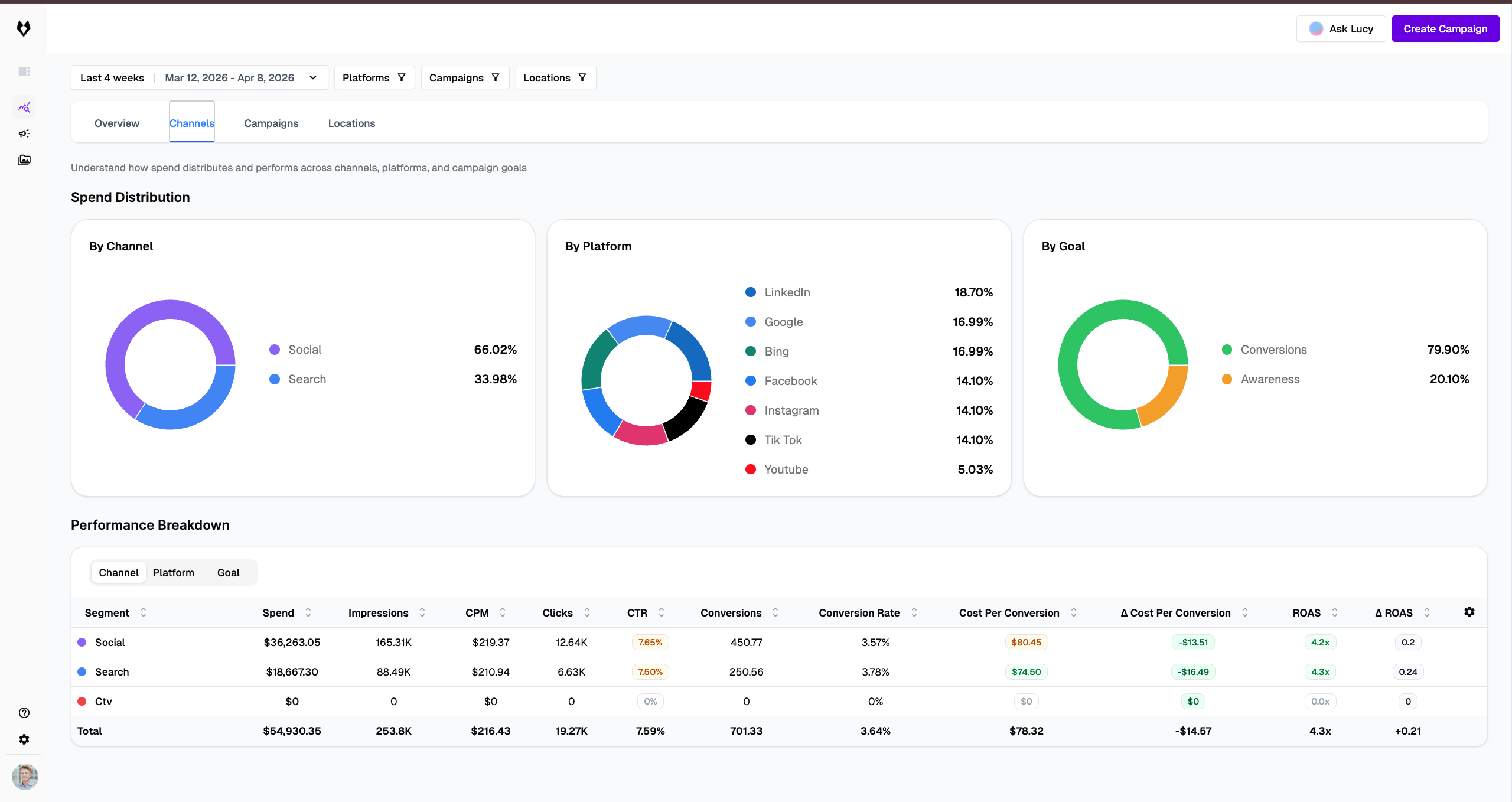
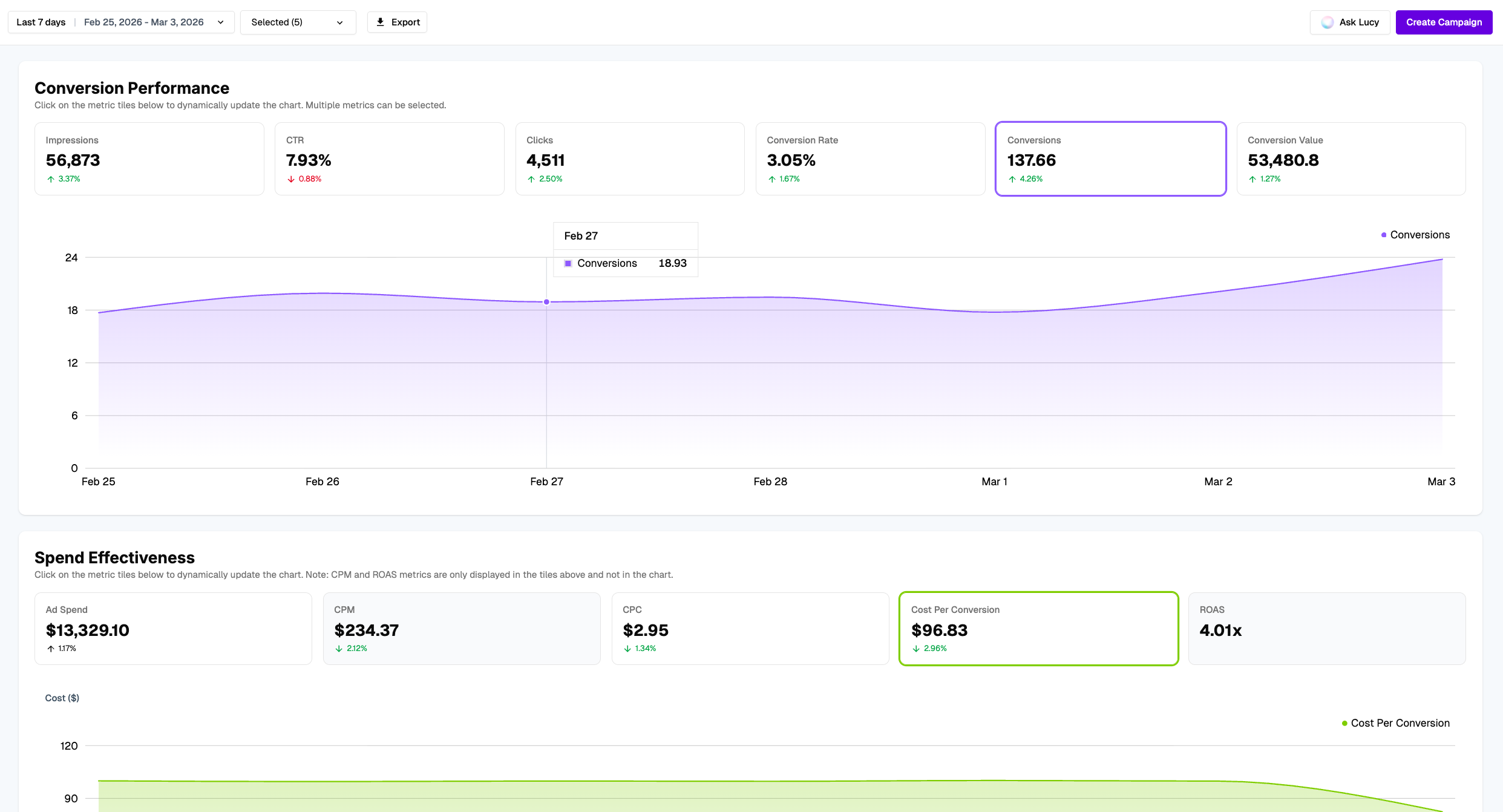
Data-driven decisions made easy. The redesigned Analytics Dashboard gives you a comprehensive, real-time view of your campaign performance across all channels. Track Conversion Performance metrics including impressions, CTR, clicks, conversion rate, conversions, and conversion value -- all with trend indicators showing week-over-week changes. The new Spend Effectiveness section surfaces ad spend, CPM, CPC, cost per conversion, and ROAS so you can instantly see where your budget is delivering the best returns. Click any metric tile to dynamically update the chart and drill into the data that matters most.

Analytics dashboard showing Conversion Performance and Spend Effectiveness metrics with charts

Bulk Creative Upload

Productivity

Upload dozens of creative assets at once and manage them all from a single screen. The new Bulk Creative Upload feature eliminates the tedious one-by-one upload process, letting you drag and drop entire folders of images, videos, and ad creatives into the platform. Each asset is automatically organized and ready to be assigned to campaigns. For teams running high volumes of A/B tests or managing creative libraries across multiple locations, this saves hours of repetitive work every week.

Smarter Help Center

Support

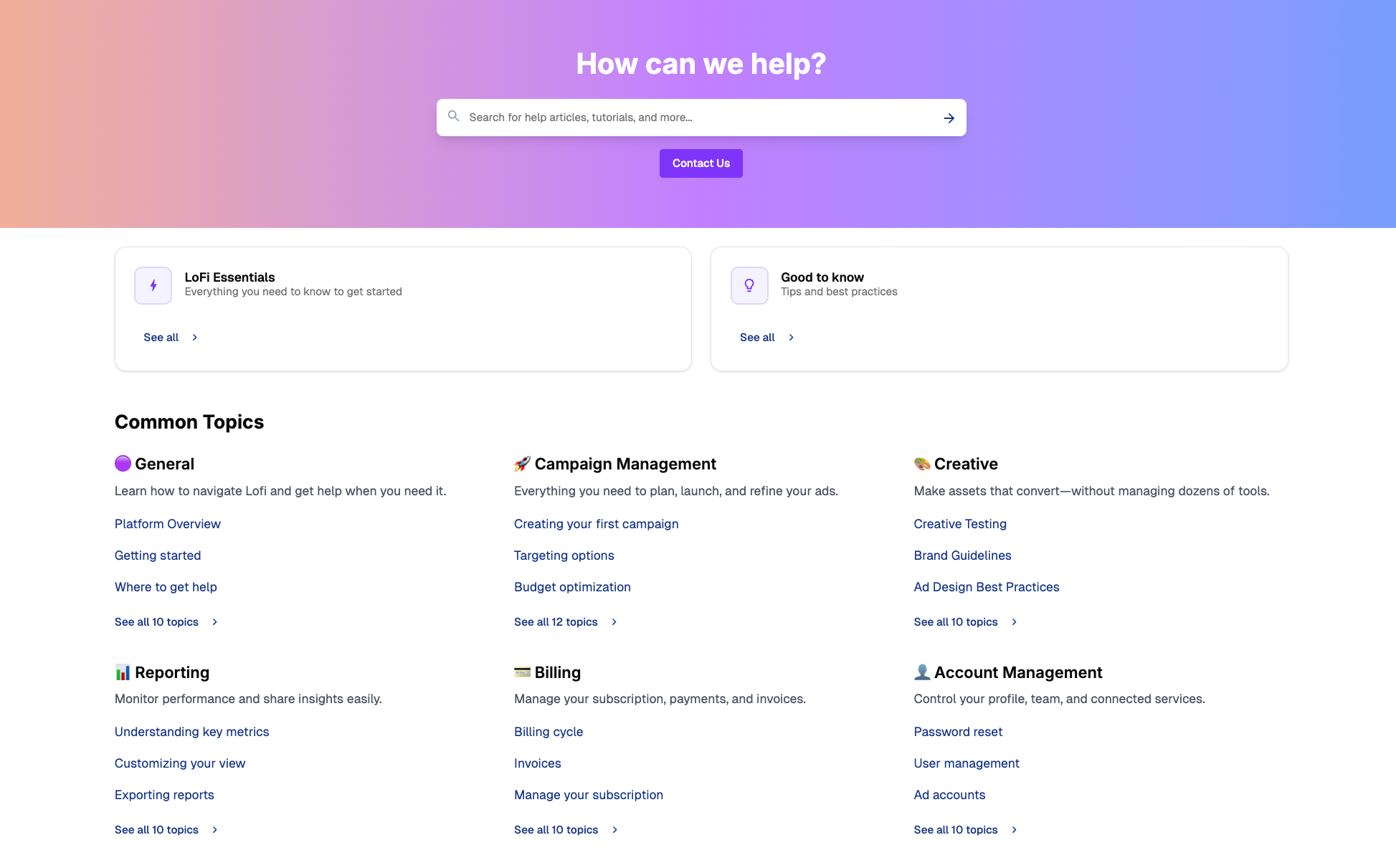
Answers when you need them. We redesigned the Help Center from the ground up with faster paths to resolution. The new layout features a powerful search bar, curated collections like LoFi Essentials and Good to Know, and a Common Topics grid covering General, Campaign Management, Creative, Reporting, Billing, and Account Management. Each category surfaces the most relevant articles first, so you spend less time searching and more time growing your business. A dedicated Contact Us button ensures you can always reach our support team when you need a human touch.

Redesigned Help Center with search bar, curated collections, and Common Topics grid

Ready to Grow Your Business?

Join Lofi today and experience the future of advertising.